The Guide To Common Tagging Gun Problems
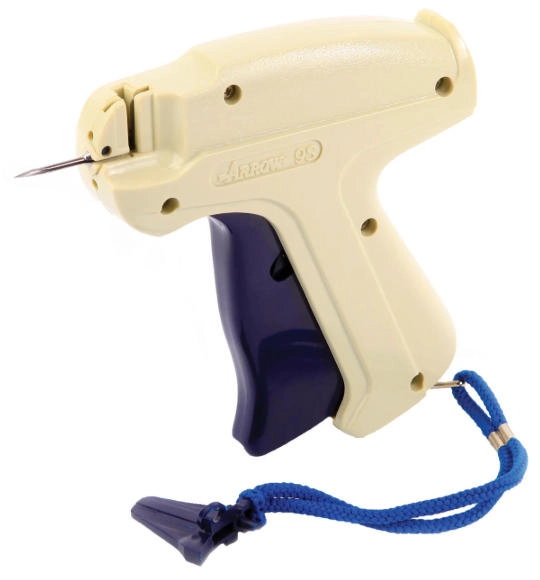
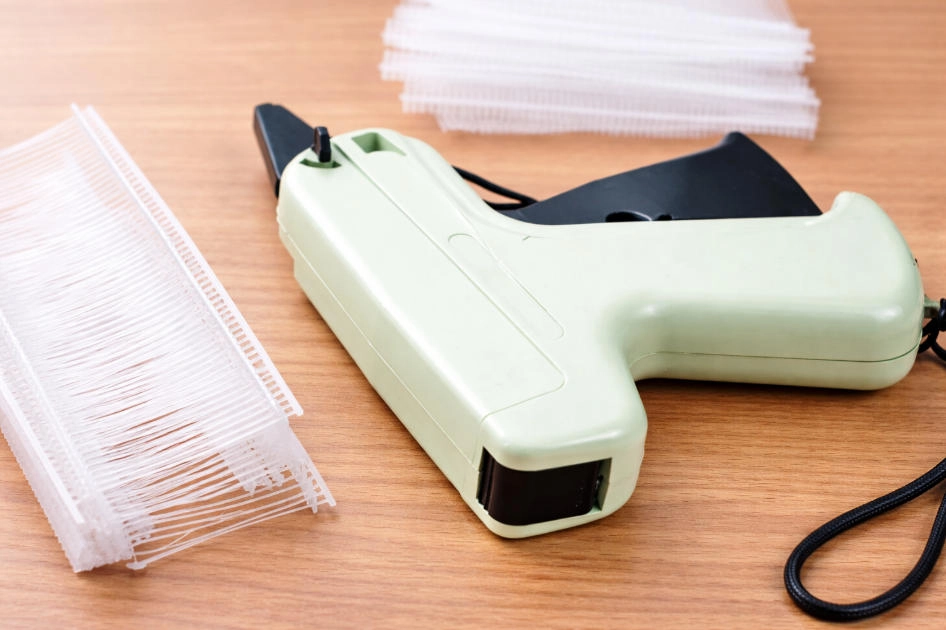
Tagging guns (tag attachers) are simple tools, but most downtime comes from a few repeatable issues: damaged needles, tag pin jams, misfeeds, double-feeds, trigger lock-ups, and fabric damage. In real production, needle damage often happens through everyday mishandling—dropping the tool, leaving it without a needle cap/guard, forcing it through thick stacks, or tilting the gun roughly while tagging. If a bent or damaged needle isn’t replaced, it can lead to poor fastening, repeated jams, and unnecessary fabric damage.
This page gives you a fast diagnosis table, a clear step-by-step needle change procedure, a proven “tag gun jammed with tag pin” clearing process, and a short preventive maintenance plan you can standardize across stations. Safety notes are included because most manufacturers require using a needle guard when the tool is not in use and recommend protective gloves to reduce needle-stick risk.
Quick Diagnosis: Symptom → Cause → Fast Fix
| Symptom | Most likely causes | Fastest fix |
|---|---|---|
| Won’t feed / nothing dispenses | Needle tube blocked; broken tag pin piece; damaged clip/strip | Remove pins, remove needle, clear blockage, reload correctly |
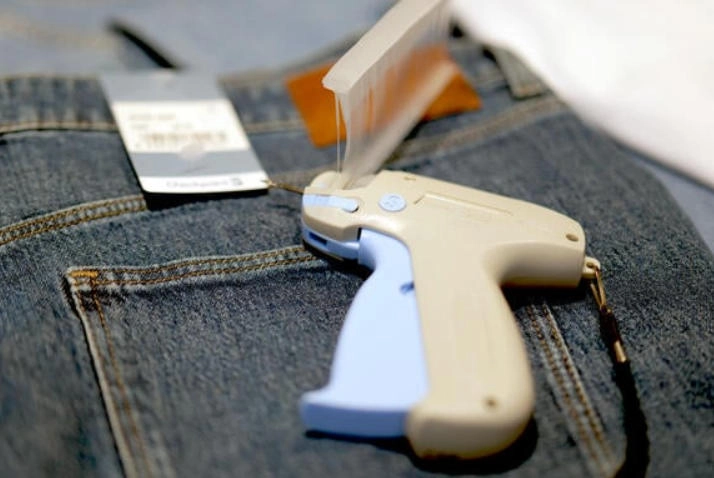
| Tag gun jammed with tag pin | Misuse/tilt; wrong pins; damaged pin strip; dust in pin movement area | Follow the 5-step jam clearing procedure below (needle + slot check) |
| Needle bent/broken | Dropped tool; no needle guard; too-thick materials; rough angle | Replace needle (don’t straighten and reuse) |
| Double feed (2–3 pins at once) | Pins not seated/moving freely; distorted clip/strip; partial jam | Reload with undamaged pins; clear jam fully; retest |
| Trigger stuck / won’t fire | Jam not cleared; operator keeps cycling trigger during jam | Stop; unload; remove needle; clear jam; reload |
| Fabric snags / holes too large | Needle/fastener not matched to fabric; poor placement | Switch to fine/micro system where needed; tag on label/hidden seam |
Problem 1: Damaged Tag Gun Needle
Needle replacement is usually fast—but do it cleanly and safely. Many tool manuals specify a consistent approach: use a needle guard/cap, move the needle lock to the unlock position (often ~180°), slide the needle out, align the slot, insert fully, then lock back.
Common reasons needles get damaged
•Dropping the tag gun
•Storing the gun without a needle cap/guard
•Tagging overly thick stacks or hard materials outside the tool’s intended use
•Tilting the gun roughly while pushing through fabric
How to change a damaged tag gun:
1. Cover the needle with the needle cap/guard (if installed).
This is a standard safety step when installing/removing needles.
2. Unlock the needle lock/needle locker.
Rotate the needle lock toward the front/unlock direction until it becomes parallel with the needle (many tools describe this as a ~180° turn).
3. Pull the damaged needle straight out.
Don’t twist the needle during removal—sliding it out straight reduces wear on the slot interface.
4. Insert the new needle fully, aligning the slot.
Keep the needle lock in the unlocked position, then insert the new needle into the same channel. Make sure the needle slot (groove) matches the slot on the tool body and push until fully seated.
5. Lock it back and test on a scrap piece.
Rotate the needle lock back to the original locked position. Cycle 1–2 test applications on scrap fabric/label before returning to production.
Important: If operators share tools/needles, needle-stick risk becomes a serious safety issue—manufacturers explicitly warn to use your own tool/needle and recommend protective gloves and proper needle disposal.
Problem 2: Tag Gun Jammed With Tag Pin
Why tag guns jam
Tag pin jams usually come from one (or several) of these conditions:
•Mishandling (rough angle/tilt during tagging)
•Unsuitable tag pins for the gun/needle system
•Damaged tag pin strip/clip
•Too much or too little pressure during tagging
•Dust/debris around the tag pin movement area (especially near the needle path)
A key rule from multiple manuals: if a jam or misfeed occurs, do not keep repeatedly squeezing the trigger—it tends to worsen the jam and can damage the tool.
5-step jam clearing procedure (production-friendly)
1. Remove unused tag pins from the feed slot/track.
2. Remove the needle using the needle lock method described above.
3. Inspect the needle tube for any broken piece of tag pin stuck inside, and remove it.
4. Inspect the needle slot / nose area of the tag gun for any broken tag pin piece and remove it. (This is where partial fragments often hide.)
5. Reinstall the needle, reload pins, and test (2–3 cycles). Confirm pins advance smoothly before tagging sellable items.
If the jam repeats immediately: discard the current pin strip/clip (it may be distorted), verify you’re using the correct pin type for the gun class (standard vs fine vs micro), and re-check needle straightness.

Problem 3: Double Feed (2–3 Pins Come Out at Once)
Most common triggers
•Pins not moving freely in the track / mis-seated strip
•Distorted or damaged clips/strips (especially micro systems)
•Partial obstruction from a not-fully-cleared jam
Fix sequence
•Stop, unload pins, inspect strip (discard if distorted), remove needle, clear remnants, reinstall needle correctly, reload, test.
Problem 4: Trigger Stuck / Won’t Fire
Trigger lock-ups are almost always “jam not cleared” in disguise.
Recovery
1. Stop cycling trigger during the jam.
2. Unload pins/strip
3. Remove needle + clear remnants (needle tube + slot area)
4. Reload and test
Fabric Damage Prevention (Snags, Runs, Large Holes)
If your issue is quality defects rather than pure mechanical jams, focus on compatibility and placement:
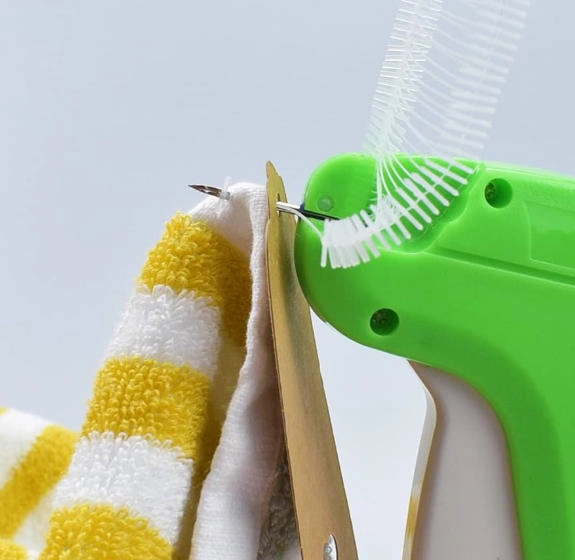
•Use fine fabric systems for delicate/tightly knit materials when standard needles create visible holes or snags.
•Tag on a label or hidden seam instead of the middle of a garment panel.
•Keep layers smooth and flat, and push the needle fully through before triggering (common best-practice guidance).
Compatibility Checklist (Standard vs Fine vs Micro)
| System | Best for | Notes |
|---|---|---|
| Standard | Medium-weight fabrics/knits | Standard tools typically list compatible fastener clips and specific needle SKUs |
| Fine Fabric | Delicate / tightly knit fabrics | Designed to reduce risk of snags and holes |
| Micro | Minimal footprint fastening / craft + light applications | Manuals emphasize not distorting clips; discard damaged clips to avoid feeding/jamming |
Preventive Maintenance Plan
Daily
•Store tool with needle guard/cap on when not in use
•Quick needle straightness check (replace if bent)
•Discard damaged pin strips/clips before loading
Weekly
•Clean dust/debris around feed path and needle slot area (where fragments lodge)
•Review operator technique (angle control, consistent pressure)
Monthly
•Log jams per station and compare to pin type/fabric type (helps isolate mismatch vs handling)
FAQ
1) Can I keep using a slightly bent needle if it still tags?
Not recommended. Bent needles increase fabric damage risk and make jams more likely. Replace the needle and test.
2) I cleared the jam, but it jams again immediately—why?
Usually a distorted pin strip/clip, wrong pin type for the gun, or a small fragment still in the needle tube/slot area. Discard the strip, remove the needle again, and re-check both needle tube and slot.
3) What’s the safest way to change needles?
Use a needle guard/cap during removal and installation, and follow the needle lock unlock/lock procedure. Many manuals also recommend protective gloves and safe needle disposal.
4) Why does my tag gun double-feed (two pins at once)?
Most often: pins aren’t seated/moving freely, the clip/strip is distorted, or the gun is partially jammed. Reload with an undamaged strip and clear remnants fully before reactivating.